The musculoskeletal reason your wrist hurts after four hours is usually not “just soreness,” it is your tendons and joints getting overloaded from a subtle mismatch between your keyboard, mouse, and wrist position, and the workplace musculoskeletal disorders that involve the wrist show up in 13.4% of cases.

Key Takeaways
What’s going on
|
What to do next
|
Quick answers (so you can act today):
- Is it normal to get wrist pain after four hours? It is common, but it is a sign your current wrist posture and wrist support are not working for your workload.
- Does a desk mat deskpad help wrist pain? Yes, a deskmat desk mat deskpad can stabilize your wrist zone, reduce strain from awkward angles, and help you visually separate your workstation.
- Do you need an ergonomic keyboard for wrist pain? It helps, especially when paired with good wrist height and a surface that supports smooth mouse movement.
- Where do we start? Start with an ergonomic desk setup checklist, then test small changes for comfort across the next work block.
For deeper workspace habits, you can review ergonomic desk setup checklists and why premium desk mats for ergonomics in 2026 matter.
Why The musculoskeletal reason your wrist hurts after four hours happens (even when you “feel fine”)
After about four hours, small posture errors add up. Your wrist is a hinge joint supported by tendons, and when you hold it in the same slightly bent or extended position, the tissues do not get a break.
The musculoskeletal reason your wrist hurts after four hours usually comes down to three mechanical patterns.
- Static load: You keep your wrist in one position while typing and using the mouse.
- Repetitive micro-motions: Keyboard and mouse work repeats the same finger and wrist paths, which increases local irritation.
- Force transfer: When your wrist is not aligned with your forearm, more strain shifts into the wrist area instead of being shared through the whole arm.
Wrist pain ergonomics is not just about avoiding pain. It is about reducing friction and uneven load so your wrist does not become the “default support” for every movement.
Spot the pattern in your current setup
- Does your wrist feel “pinchy” or “tender” after long typing blocks?
- Do you notice the mouse hand drifting higher or lower as the session goes on?
- Do you reach forward because the keyboard feels too far away?
Four-hour wrist pain and wrist posture: what changes in your tendons and joints
Wrist posture affects more than comfort, it changes the mechanics of how your tendons glide. A slightly elevated wrist often means your tendons work harder to bend and straighten repeatedly.
In practice, this is why wrist pain keyboard issues show up during long sessions. The keyboard may be fine by itself, but the whole system (desk height, chair height, keyboard tray, mouse distance, and your surface support) determines wrist angle.
Common musculoskeletal wrist positions that trigger discomfort
- Wrist extension: When your wrist sits too high, the tendons and joint surfaces compress differently.
- Wrist deviation: When the hand drifts left or right relative to the forearm, you add lateral stress.
- Unsupported hover: When your wrist floats without a stable contact zone, you recruit tiny stabilizing muscles for hours.
If you have tried stretching but the pain returns after four hours, that is a clue. Stretching can help with flexibility, but it does not correct repeated mechanical load from your wrist angle and reach.

Best deskmat desk mat deskpad fixes: stabilize your wrist zone, not just the look
A desk mat is more than decor. A deskmat desk mat deskpad gives your wrist a consistent support area, and it can help you visually separate your workstation so your body habits stay steady.
For many people, the “solution” is not a complicated device, it is a stable, correctly sized surface paired with better positioning. That is why desk mat ergonomics keeps showing up in our guidance for 2026-ready comfort.
What to look for in a supportive deskmat, desk mat, deskpad
- Stability: Anti-slip backing helps keep the surface from shifting during typing and mouse use.
- Comfort under the wrist zone: You want a supportive area that reduces awkward angles without forcing an unnatural bend.
- Texture that supports control: Low friction can feel “free,” but too much slide may make your wrist work harder to guide the mouse.
- Size for consistent posture: If your wrist moves off the supported area, the load pattern returns.
If you are deciding between desk mat textures, this is a place where low DPI vs high DPI style considerations can matter for mouse precision and comfort. A surface that matches your movement style can reduce micro-corrections that feed wrist pain ergonomics.
How this helps The musculoskeletal reason your wrist hurts after four hours: the support zone reduces wrist “hovering,” and the stable surface reduces repeated micro-corrections. That means less localized overload over the same time block.
Neoprene, fabric, and other materials: which desk mat deskpad is best for wrist pain ergonomics
Material choice changes how your wrist feels at contact time. In 2026, people are more deliberate about comfort and control, and desk mat types increasingly focus on ergonomics alongside style.
Different materials can affect stability, cushioning, and how your mouse glides, which can influence wrist pain keyboard mechanics during long sessions.
Material effects you should consider
- Neoprene desk mats: Often chosen for stability and consistent feel, including anti-slip backing that holds position during fast hand movements.
- Fabric surfaces: Can feel softer under the wrist and may change friction for the mouse, which affects how much you “guide” during use.
- Leather-style substrates: May feel more structured, which can be good if you prefer firmer wrist contact, but comfort depends on thickness and your wrist angle.
A practical rule for wrist pain ergonomics is to pick the mat that keeps your wrist angle steady while you work, not the one that feels best for five minutes. Test changes across the next session, then adjust.
If you want a guided approach to desk mat selection, start with Types of Desk Mats and how material and texture influence wrist posture during long sessions.
Wrist pain keyboard problems: how to pair an ergonomic keyboard for wrist pain with desk mat support
If your wrist hurts after four hours, it is rarely only the keyboard. The wrist pain keyboard connection is a system issue, and it shows up when your wrist position and your mouse reach pull you into the same posture repeatedly.
In 2026, many people are switching between mechanical keyboard wrist pain concerns and more adjustable options, but the best keyboard for wrist pain still depends on your desk setup and your support zone.
Pairing checklist for a calmer wrist after long typing
- Keyboard distance: Bring the keyboard closer so your forearms can stay supported and your shoulders can relax.
- Wrist contact zone: Use a deskmat desk mat deskpad to support the wrist area, so you do not hover for hours.
- Mouse alignment: Keep the mouse close enough that you do not reach, then use the same desk surface for consistent friction.
- Test a “same angle” rule: If your wrist angle changes during the session, adjust height or position until it stays consistent.
If you are actively comparing best ergonomic keyboard for wrist pain options, focus on adjustability and hand comfort, then refine with your desk mat deskpad support.
For quieter workdays and smoother contact surfaces, you may also find value in the guidance around neoprene keyboard sound dampening desk mats and anti-slip backing benefits.
Quick directive for your next four-hour block
- Position the keyboard so your wrists rest comfortably on the deskmat desk mat deskpad contact zone.
- Move the mouse so your elbow can stay near your body.
- If you use a best wireless keyboard for wrist pain, verify that key height does not push your wrist into extension.
Large desks, big swings: why a large desk mat can stop wrist pain after four hours
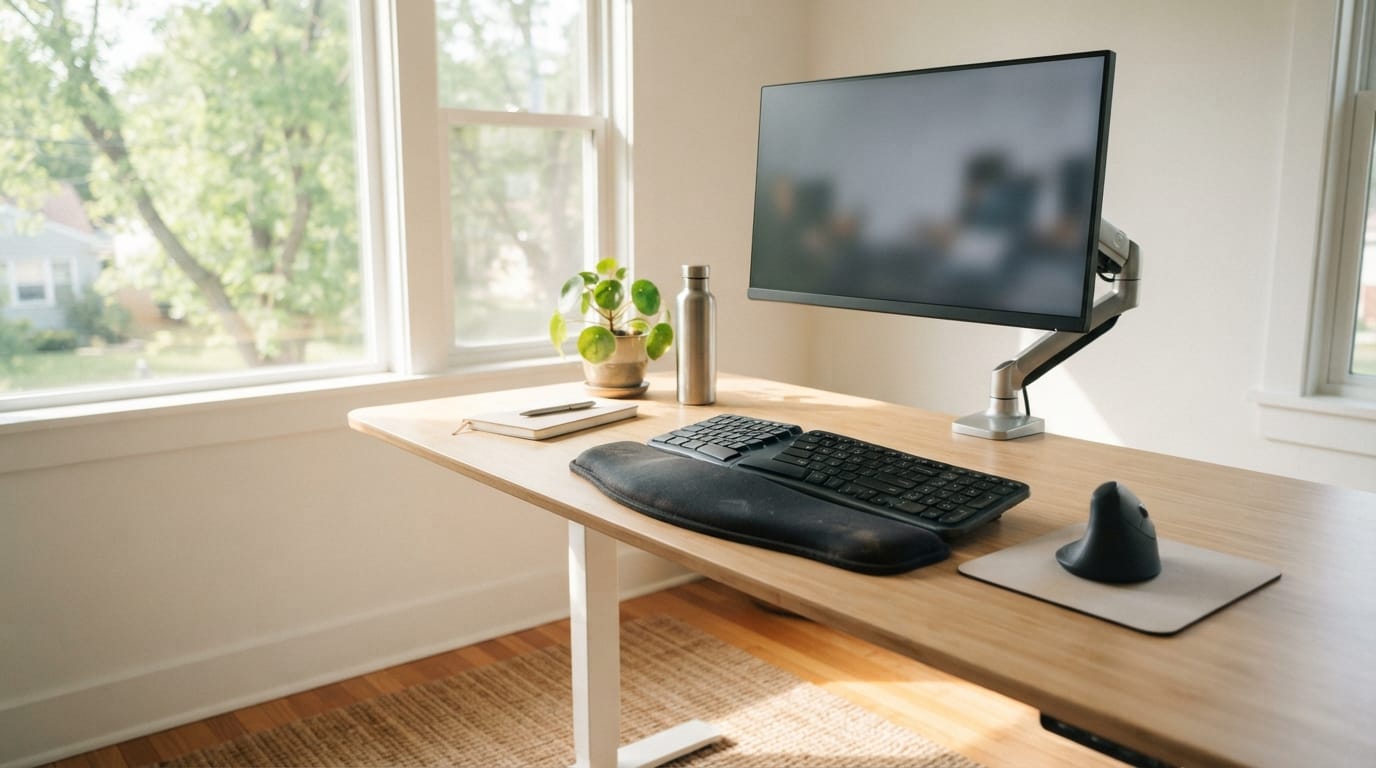
If your workspace is large, it is easy to let your mouse drift away and let your wrist angle follow. That is exactly how the musculoskeletal reason your wrist hurts after four hours repeats itself, even when you think you “set it up right.”
A large desk mat helps keep your wrist supported in the same zone, which reduces repeated posture changes across the session.
When you should consider a large desk mat
- Your mouse frequently travels across the desk.
- Your wrist sometimes ends up unsupported during longer tasks.
- You do mixed work, from keyboard-heavy writing to mouse-heavy design or spreadsheets.
For guidance, visit Large Desk Mat and best desk mats for large desks.
Make it yours in 2026: style choices that support focus (without ignoring wrist pain ergonomics)
A beautifully designed setup does not just look good, it makes you feel good, encouraging focus, comfort, and creativity. That matters for wrist pain ergonomics because good setups help you keep the correct positions instead of unconsciously reverting to old habits.
Whether you prefer vibrant shades that energize your space or neutral tones for calm and clarity, every element reflects a piece of your personality. And yes, your desk mat can do that while still supporting The musculoskeletal reason your wrist hurts after four hours.
Choose a desk mat style that helps you stay consistent
- Bold patterns for active work: Bold Pattern Desk Mats for Creative Workspaces are having a real moment in 2026, and they can help you feel engaged during long sessions.
- Minimalist designs for long focus: Minimalist looks reduce visual distractions, which can make posture corrections feel less “urgent” during the work block.
- Coordinated colors: Match your desk mat with desk and chair tones so your workstation feels cohesive look, not improvised.
If you want ideas that balance style and comfort, review Bold Pattern Desk Mats for Creative Workspaces in 2026-ready style and comfort.
Care and maintenance: keep your desk mat deskpad supportive over time
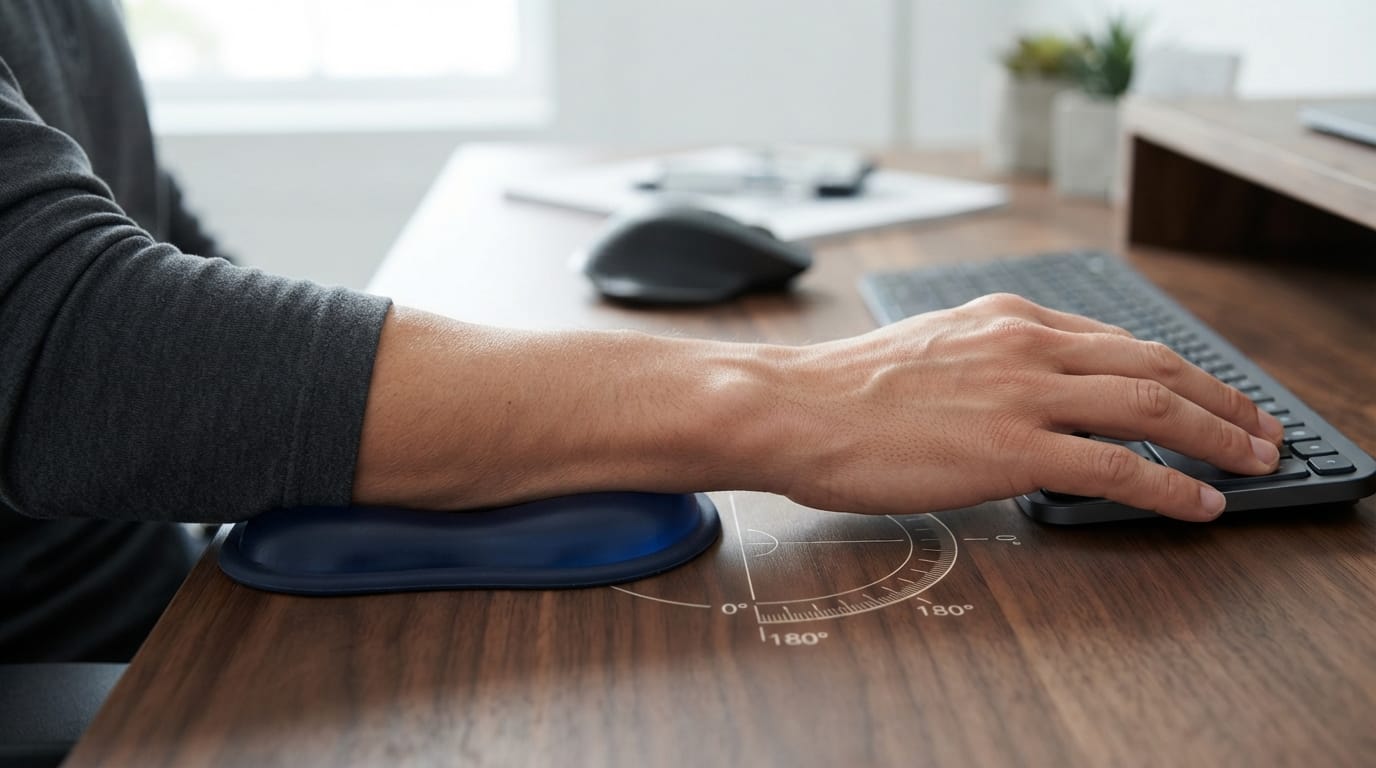
Desk mat longevity affects comfort. If the surface degrades, friction changes, and your wrist posture may drift back toward the awkward angles that trigger The musculoskeletal reason your wrist hurts after four hours.
Simple care keeps your desk mat deskpad stable and clean so the ergonomic feel stays consistent across weeks.
Care steps that support wrist comfort
- Wipe spills immediately to prevent sticky areas that disrupt mouse glide.
- Follow material-specific cleaning guidance so you do not damage the backing.
- Replace when the surface no longer provides steady support or consistent friction.
For more practical cleaning and longevity tips, see Cleaning and Longevity Tips for Desk Mats.
Conclusion
The musculoskeletal reason your wrist hurts after four hours is usually mechanical overload caused by wrist posture, repetitive motion, and force transfer in a setup that does not support your natural alignment. When you address wrist pain ergonomics through a consistent deskmat desk mat deskpad support zone, better positioning, and the right keyboard for wrist comfort, the four-hour pain pattern is often easier to control.
We recommend treating your workspace as a functional area, not just a place to work, and upgrading it in 2026 with materials, size, and style that help you stay consistent. A desk mat is not merely protective, it is a canvas for personal expression, and that pride in your workstation can help you keep the wrist mechanics you need.
Frequently Asked Questions
Is the musculoskeletal reason your wrist hurts after four hours usually caused by the keyboard?
In many cases, wrist pain after four hours is not only the keyboard. The musculoskeletal reason your wrist hurts after four hours often involves the combined system of keyboard height, mouse reach, and how your wrist is supported by your deskmat desk mat deskpad.
Can a desk mat deskpad really help with wrist pain ergonomics?
Yes, a supportive deskmat desk mat deskpad can reduce wrist hovering and help stabilize your wrist zone during long sessions. This is a key part of wrist pain ergonomics because posture consistency is what prevents repetitive overload.
What is the best ergonomic keyboard for wrist pain if I also use a desk mat desk mat deskpad?
The best ergonomic keyboard for wrist pain is one that lets you keep your wrists aligned and avoids pushing your wrist into extension. Pair it with a supportive deskmat desk mat deskpad so your wrist contact zone stays consistent while you work.
Does mechanical keyboard wrist pain happen even with good desk setup?
Mechanical keyboard wrist pain can still happen if the wrist angle shifts during long typing blocks. Even with a desk mat deskpad, you may need to adjust keyboard distance, mouse alignment, or surface friction so your wrist posture does not drift over time.
How do I choose a best wireless keyboard for wrist pain without worsening my wrist after four hours?
Focus on key height and how your hands sit while typing, then verify wrist posture across the full four-hour window. A stable deskmat desk mat deskpad contact zone can help you avoid compensations that lead to wrist pain keyboard strain.
When should I stop adjusting my desk and see a clinician for wrist pain?
If your wrist pain is sharp, worsening quickly, or includes numbness or weakness, it is time to seek medical guidance. The musculoskeletal reason your wrist hurts after four hours can be mechanical, but persistent symptoms deserve professional assessment.